
Key Takeaways
- Smart thermostats can cut heating and cooling costs by 10-23% each year. They learn your habits and adjust the temperature for you.
- Make sure a model works with your HVAC system before you buy. Check your wiring and know your heating and cooling type.
- Look for features like geofencing, occupancy sensing, and voice control. They add comfort and cut energy use.
- Choose pro installation if you lack a C-wire, have an unusual HVAC system, or want to protect your warranty.
- Read the privacy policy before you buy. Use strong passwords and keep firmware updated on all smart home devices.
- Top smart thermostat brands like Nest, ecobee, and Honeywell each have their own strengths. Pick the one that fits your needs and budget.
Choosing the right smart thermostat can feel overwhelming, but it's one of the smartest upgrades you can make for your comfort and your wallet. These clever devices have changed how we run our heating and cooling. They offer convenience, energy savings, and control that old thermostats can't match. Maybe you're building a smart home from scratch. Maybe you're just getting started with home automation. Either way, finding the right smart thermostat doesn't have to be hard.
In this guide, we walk you through what you need to know. You'll make a confident choice that fits your lifestyle, budget, and HVAC system.
What Makes a Thermostat “Smart”?
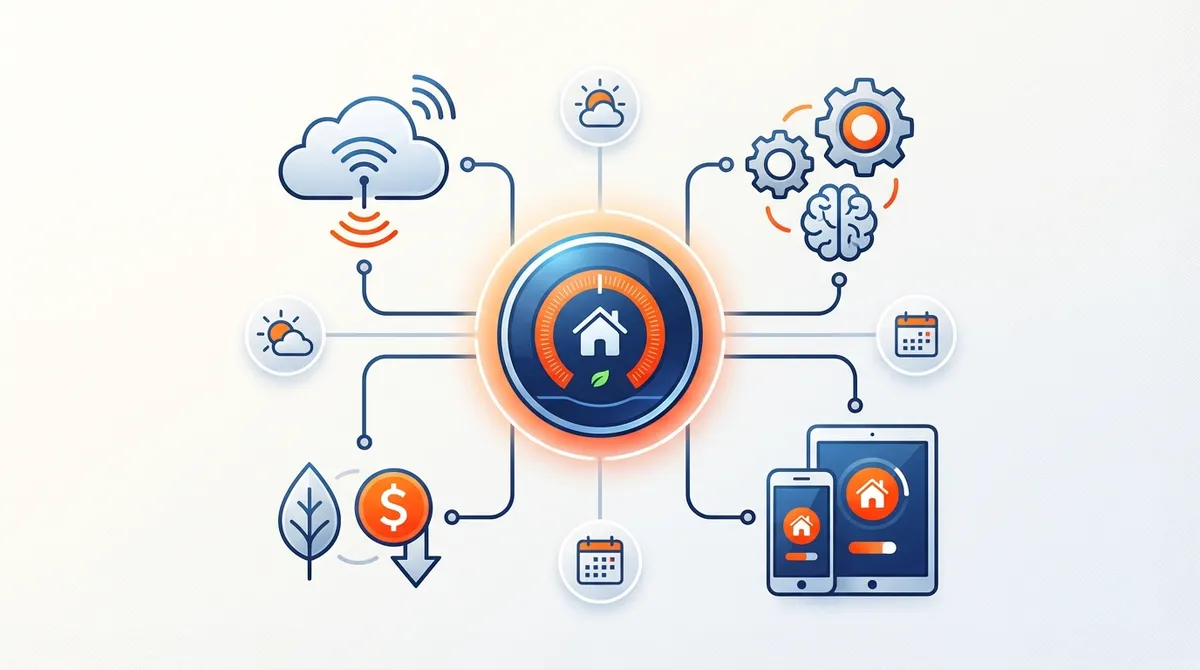
First, let's talk about what makes a thermostat “smart.” Your old dial or programmable thermostat can't connect to anything. A smart thermostat joins your home's Wi-Fi network. That lets you control your heating and cooling from anywhere. Use your phone, tablet, or a voice assistant like Alexa or Google Assistant. And the magic goes far beyond remote access.
Modern smart thermostats use artificial intelligence and machine learning. They learn your preferences and predict your temperature needs. They also trim energy use based on who is home and the weather forecast.
The numbers show how fast this market is growing. The global smart thermostat market was worth about USD 4.99 billion to USD 5.97 billion in 2024-2025. Experts project it will reach USD 11.5 billion to USD 27.61 billion by 2030-2034. That means growth of 17.1% to 20.5% per year. Homeowners are embracing this technology because the benefits are real.
These devices talk to other smart home systems through the Internet of Things (IoT). Together they form one system that adapts to your life. They know when you're home or away and adjust the temperature to match. Some even work with renewable energy systems to boost efficiency. The result? Lower energy bills, a smaller footprint, and a more comfortable home.
Assessing Your HVAC System Compatibility
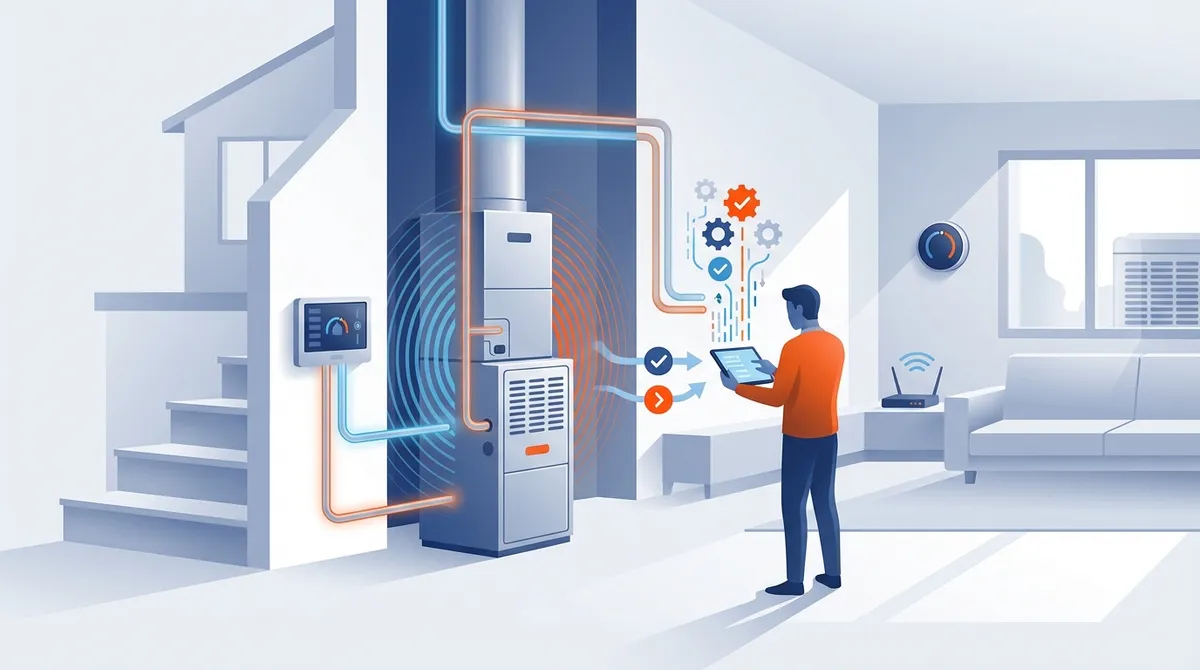
Start by getting to know your current HVAC system. Not every smart thermostat works with every heating and cooling setup. In fact, compatibility issues are the top cause of installation problems.
Check Your Current Wiring
Remove your old thermostat's cover and take a photo of the wiring. Count the wires and note which terminals they connect to. Most modern HVAC systems use a C-wire (common wire). It gives the smart thermostat constant power. No C-wire? Don't worry. Many smart thermostats come with adapter kits. You can also have a pro add one. Companies like Smart Home Air and Heat can check your wiring during a service call.
Identify Your System Type
Smart thermostats work with many systems, but support varies by model. Common system types include:
- Central heating and cooling (forced air)
- Heat pumps (with or without auxiliary heat)
- Multi-stage heating and cooling systems
- Radiant heating systems
- Zoned systems with multiple thermostats
Most manufacturers offer free compatibility checkers on their websites. Enter your system details, and they'll tell you which models will work. Not sure what system you have? Schedule an HVAC maintenance visit to pin down the right specs.
Evaluating Essential Features and Capabilities
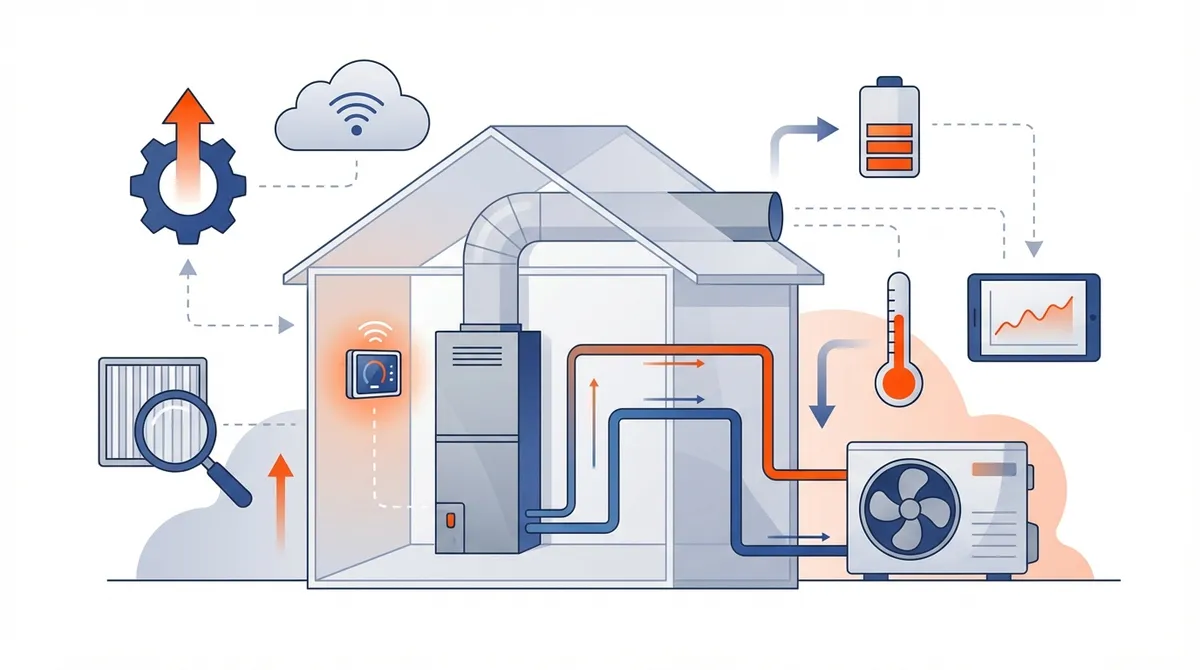
Once you confirm compatibility, look at features. Smart thermostats vary widely in what they can do. Know which features matter most to you. That will narrow your choices fast.
Learning and Automation Capabilities
Some smart thermostats, like the popular Nest Learning Thermostat, study your patterns and build schedules for you. Over the first week or two, they watch when you adjust the temperature. Then they take over. No manual programming needed. This is perfect if you keep steady routines or just want a hands-off approach.
Other models make you set the schedule yourself. In return, you get finer control over when and how your system runs. That flexibility helps if your schedule shifts or family members want different settings.
Occupancy and Proximity Sensing
Many smart thermostats include motion sensors or geofencing to tell when you're home or away. Geofencing uses your phone's location. It eases off the system when you leave and preps your home before you return. This feature alone cuts a lot of wasted energy. Studies show smart thermostat users save 10-23% on heating and cooling costs each year.
Occupancy sensing goes further. It detects movement in each room. That means tighter temperature control and less wasted energy in empty rooms.
Voice Control Integration
Already use a voice assistant? Make sure your chosen smart thermostat works with it. Leading brands like Emerson, ecobee, Honeywell, and Nest support Amazon Alexa, Google Assistant, and Apple HomeKit. Voice control adds convenience. You can change the temperature without touching your phone or walking to the wall.
Energy Monitoring and Reports
Knowing your energy use helps you find more savings. The best smart thermostats give you clear energy reports. They show when your system runs and how much energy you use. They also offer tips to improve. Some models even show real-time energy costs. That helps you weigh comfort against savings.
Comparing Top Smart Thermostat Brands
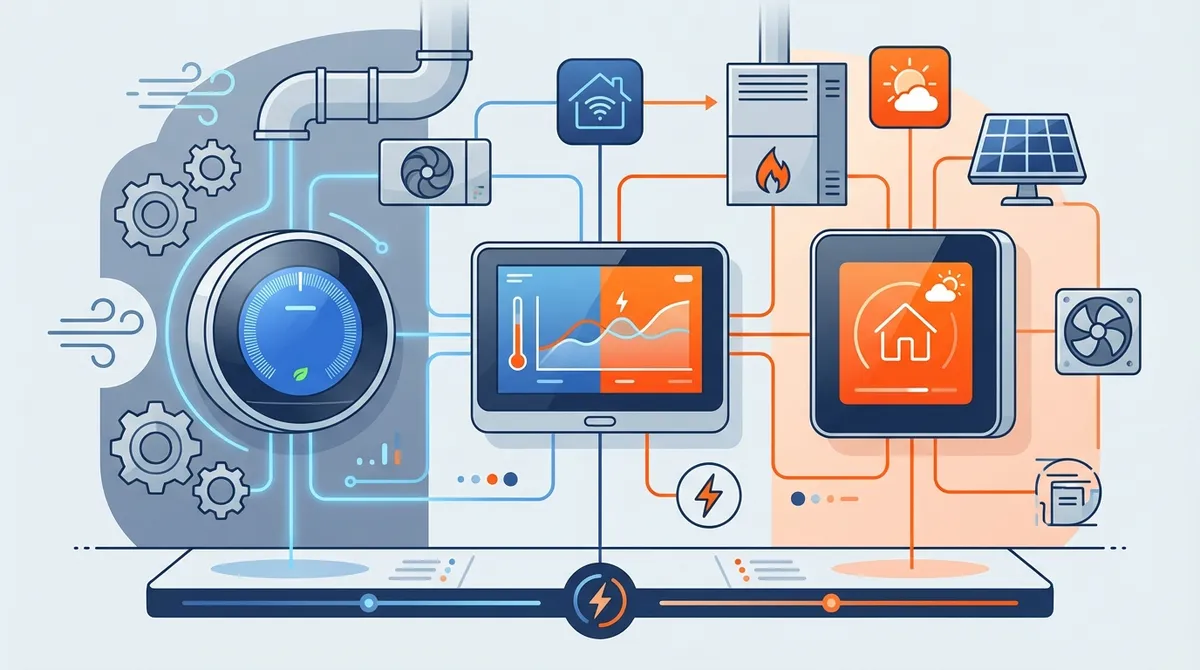
The smart thermostat market offers many quality options. Each has its own strengths. Here are the leading brands to help guide your decision.
| Brand | Key Strengths | Best For | Price Range |
|---|---|---|---|
| Nest (Google) | Auto-learning, sleek design, excellent app | Tech enthusiasts, hands-off users | $130-$250 |
| ecobee | Room sensors, voice control built-in | Multi-room control, larger homes | $150-$250 |
| Honeywell Home | Wide compatibility, reliable performance | Traditional HVAC systems, reliability-focused | $80-$200 |
| Emerson Sensi | Easy DIY installation, privacy-focused | Budget-conscious, privacy-aware users | $80-$130 |
Google Nest Thermostats
Nest created the learning thermostat category and remains a popular choice. The Nest Learning Thermostat (3rd generation) has a sleek round display. It builds its own schedule and tracks your energy history. The more affordable Nest Thermostat does much of the same with a simpler screen. Nest products pair well with other Google smart home devices. The highly-rated mobile app makes control easy.
ecobee SmartThermostat
ecobee stands out for its SmartSensor technology. Small sensors track temperature and occupancy in several rooms. That fixes hot and cold spots throughout your home. The ecobee SmartThermostat has Alexa voice control built in, plus premium audio. It can double as a smart speaker. It's a great fit for larger homes or homes with big temperature swings between rooms.
Honeywell Home T-Series
Honeywell offers proven reliability and broad HVAC support. The T9 and T10 Pro models include smart room sensors. The budget-friendly T5 and T6 give solid performance without the premium extras. Honeywell thermostats work with most major smart home platforms. HVAC pros often recommend them because they just keep working.
Emerson Sensi Touch
Sensi thermostats put privacy first. They use no cameras or microphones, and they don't sell your data. Installation is simple. Many work with your existing wiring — no C-wire needed. The apps are easy to use. The Sensi Touch adds a sleek touchscreen at a fair price. It's ideal if you value privacy or are new to smart home tech.
Considering Installation Requirements
Installation difficulty varies by model and by home. Know what's involved before you start. Then decide: do it yourself, or hire a professional.
DIY-Friendly Options
Many smart thermostats are built for do-it-yourself installation. Most people with basic home skills finish in 30-60 minutes. Look for models with clear instructions, video tutorials, and in-app setup guidance. Emerson Sensi and certain Honeywell models are known for easy installation.
Here’s a typical DIY installation process:
- Turn off power to your HVAC system at the breaker
- Remove your old thermostat and label the wires
- Install the new mounting plate
- Connect wires to corresponding terminals
- Attach the thermostat to the mounting plate
- Restore power and follow setup instructions
- Connect to Wi-Fi and configure settings
When to Call a Professional
DIY works for many homes. But call a professional if you:
- Don’t have a C-wire and need one installed
- Have an older or uncommon HVAC system
- Aren't comfortable working with wiring
- Need help with smart home integration
- Want to make sure your warranty stays valid
Professional installation usually costs $100-$300. It makes sure the setup is right and prevents costly mistakes. Many HVAC companies bundle it with AC installation or system upgrades. That can save you money.
Maximizing Energy Savings and Efficiency
Energy savings drive most smart thermostat purchases. Market research forecasts 5.1 billion IoT connections in North America by 2025. Smart home automation is reaching 48.4% of U.S. households. Rising energy costs and proven savings fuel that growth.
Understanding Potential Savings
The EPA estimates homeowners save an average of $180 per year with a well-set-up smart thermostat. Your actual savings depend on a few things. These include your climate, your old thermostat, your insulation, and your HVAC system's condition. Homes in extreme climates with older, less efficient systems usually save the most.
Optimization Strategies
To get the most from your smart thermostat:
- Turn on all automated features, like occupancy sensing and geofencing
- Set reasonable temperature ranges (68°F heating, 78°F cooling recommended)
- Use schedules to cut heating and cooling when you're usually away
- Use the energy reports to spot waste patterns
- Keep your HVAC system in good shape with regular filter changes
- Add room sensors for tighter control in multi-story homes
Regular HVAC maintenance helps your smart thermostat do its job. It keeps your system running at peak efficiency. Even the smartest thermostat can't make up for a poorly maintained system.
Taking Advantage of Utility Rebates
Many utility companies and government programs offer smart thermostat rebates. These rebates usually range from $25 to $100. That can cover a big part of your purchase cost. Ask your local utility provider about programs in your area. You can also check the Database of State Incentives for Renewables & Efficiency (DSIRE).
Evaluating Smart Home Ecosystem Integration
Building a full smart home? Then ecosystem fit matters a lot. Your smart thermostat should work smoothly with your other connected devices. That's how you get true automation.
Platform Compatibility
Most smart thermostats support several platforms. Still, make sure the model works with your favorite:
- Amazon Alexa: Works with almost every model; enables voice control and routines
- Google Assistant: Excellent integration, especially with Nest products
- Apple HomeKit: Fewer options, but works tightly with iPhones and Siri
- Samsung SmartThings: A good fit for Samsung users building full automation
Creating Automation Routines
The real power of smart home integration is automation routines. For example, you might set up routines where:
- Your thermostat adjusts when smart locks detect you've left home
- Temperature changes trigger smart blinds to open or close
- Air quality sensors prompt adjustments to ventilation settings
- Motion sensors in bedrooms signal bedtime temperature preferences
These routines turn your house into a truly responsive home. It adapts to your daily life without you lifting a finger.
Addressing Privacy and Security Concerns
Like any connected device, smart thermostats raise fair privacy and security questions. They collect data about your home patterns, occupancy, and preferences. That data could be exposed in a breach or misused.
Data Collection and Usage
Before you buy, read each manufacturer's privacy policy. Learn what data they collect and how they use it. Key questions include:
- What information do they collect beyond temperature settings?
- Do they sell or share data with third parties?
- Can you opt out of data collection and still keep full function?
- How long do they keep your data?
Brands like Emerson Sensi lead with privacy-first design. They state clearly that they don't sell customer data. Other brands may use anonymous data to improve their services. Some partner with utility companies for demand response programs.
Security Best Practices
Protect your smart thermostat and home network by:
- Using a strong, unique password for your thermostat account
- Turning on two-factor authentication when available
- Keeping firmware updated to patch security holes
- Securing your home Wi-Fi network with WPA3 encryption
- Creating a separate guest network for IoT devices
No connected device is fully risk-free. But these steps cut your risk a great deal.
Budgeting for Your Smart Thermostat Investment
Smart thermostats range from budget models under $100 to premium models over $250. Know what you get at each price level. That helps you make a smart money decision.
Price Categories and What They Offer
Budget Range ($75-$125): Entry-level smart thermostats offer basic Wi-Fi, app control, and simple schedules. They usually skip advanced learning features and room sensors. Even so, they save far more energy than a traditional thermostat. Examples include basic Honeywell and Emerson Sensi models.
Mid-Range ($125-$200): This is the sweet spot for most homeowners. You get learning features, better design, stronger apps, and ecosystem support. Expect geofencing, energy reports, and voice assistant compatibility.
Premium Range ($200+): Premium thermostats include the top features. Think multiple room sensors, built-in voice assistants, premium materials, and the most advanced learning. The ecobee SmartThermostat Premium and Nest Learning Thermostat fall into this group.
Calculating Total Cost of Ownership
Beyond the purchase price, consider:
- Professional installation costs (if needed): $100-$300
- Additional sensors or accessories: $40-$80 each
- Potential C-wire installation: $100-$250
- Extended warranties or protection plans: $20-$50
Weigh those costs against average energy savings of $180 per year. Most smart thermostats pay for themselves within 1-3 years. That makes them an excellent long-term investment.
Making Your Final Decision
You now have what you need to pick the right smart thermostat for your home. Here's a quick framework:
- Confirm compatibility with your HVAC system using the maker's tools
- Identify must-have features based on your lifestyle and priorities
- Set your budget and include all likely costs
- Research 2-3 models that meet your needs
- Read recent reviews from real users on retail sites and forums
- Check for current promotions and utility rebates
- Decide on DIY vs. professional installation
Remember: the “best” smart thermostat is the one that fits your needs. It's not always the priciest or most feature-packed option. A well-chosen mid-range model you actually use often beats a premium device loaded with features you never touch.
Live in Central Florida? Want expert help choosing and installing a smart thermostat? Or need any other heating and cooling service? Smart Home Air and Heat is here to help. Our team specializes in modern HVAC solutions and can assess your home's specific needs.
You can also connect with us on Facebook or YouTube for helpful tips and updates. And check our customer reviews — visit us on Google to see what your neighbors say about our service.
A smart thermostat is more than a tech upgrade. It's an investment in comfort, convenience, and lower bills that pays off for years. Maybe you want energy savings. Maybe you want more comfort. Or maybe you just love modern home tech. Either way, you're making a smart choice.
Future-you will be glad every time you adjust the temperature from the couch — or from miles away. Ready to take the next step? Schedule your service today. We'll help you find the perfect smart thermostat for your home's comfort and efficiency!
Choosing a Smart Thermostat FAQs
Q: What are the main benefits of using a smart thermostat?
A: Smart thermostats offer three main benefits. First, real energy savings — 10-23% on heating and cooling costs on average. Second, convenience through remote control and automation. Third, better comfort, since they learn your preferences and adapt to your schedule. They also give you clear energy reports so you can track and trim your usage. Many connect with other smart home devices for full home automation.
Q: How do smart thermostats save energy and reduce utility bills?
A: Smart thermostats save energy in several ways. Automated schedules cut heating and cooling while you're away. Occupancy sensing adjusts the temperature based on which rooms are in use. Machine learning fine-tunes runtime using your patterns and the weather forecast. You also get insights into your habits that reveal more ways to save. Most homeowners save around $180 a year. The device usually pays for itself within 1-3 years.
Q: Are smart thermostats compatible with all HVAC systems?
A: Smart thermostats work with most modern HVAC systems, but not all. They generally support central heating and cooling, heat pumps, and multi-stage systems. Some older or specialized systems have limits. Wiring is the biggest issue. Many smart thermostats need a C-wire for power, though adapters are often available. Always run the manufacturer's compatibility tool with your system details before you buy. Or ask an HVAC professional to confirm the fit.
Q: Which smart thermostat brands are the most reliable and popular?
A: The leading smart thermostat brands are Google Nest (auto-learning and sleek design), ecobee (room sensors and built-in voice control), Honeywell Home (wide compatibility and reliability), and Emerson Sensi (easy installation and privacy). Each brand has its own strengths. The “best” choice depends on your needs, budget, and current smart home setup. All of these makers have strong track records for quality and support.
Q: Can I install a smart thermostat myself, or do I need a professional?
A: Many smart thermostats are made for DIY installation. Most people with basic home skills finish in 30-60 minutes. Still, call a professional if you need a C-wire added, have an older or unusual HVAC system, dislike electrical work, or want to protect your warranty. Professional installation usually costs $100-$300. It guarantees a proper setup, prevents costly mistakes, and delivers top performance from day one.
Smart Home Air and Heat serves Orlando, East Orlando, the UCF area, Alafaya, and Waterford Lakes. You get the same fast, honest service everywhere. That includes our 90-minute arrival guarantee and $0 after-hours fee.